Pick up where you left off
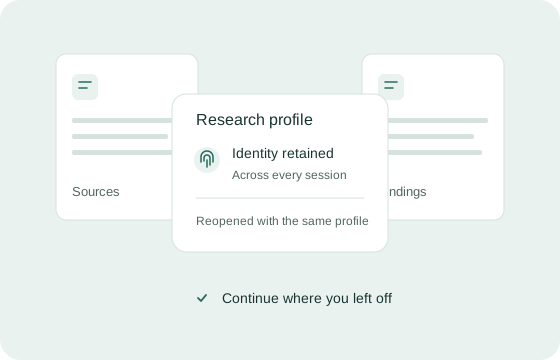
Collect sources across sessions with the same persistent identity.
Persistent identities. Fail-closed proxy controls. Built for Claude Code and Codex.
Give Claude Code and Codex exactly the page context they need.
 Claude Code
 Codex
CodexInspect the sign-in form in this profile.
Collect sources across sessions with the same persistent identity.
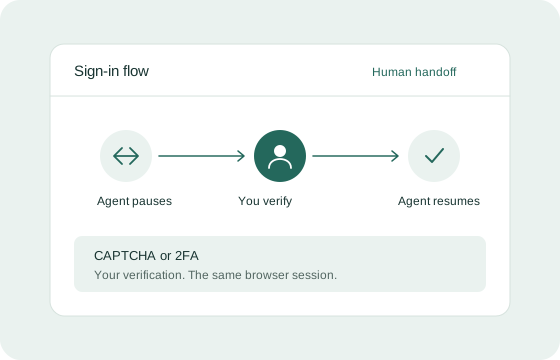
Browser workflows can require CAPTCHA or 2FA. Human verification remains part of the process; handoff support depends on your beta setup.
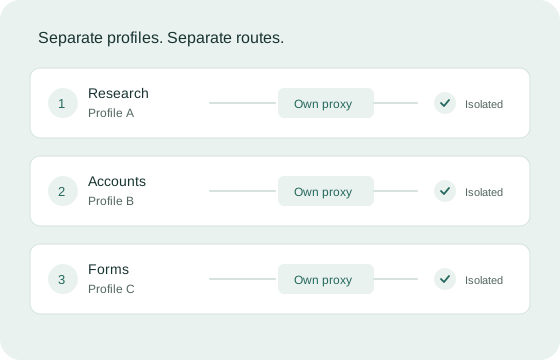
Use separate profiles for separate browser workflows. Ask about remote profile availability for your beta setup.
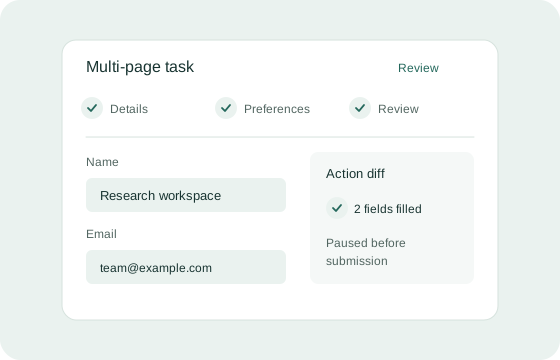
Fill multi-page forms with human-like input. Review changes before submitting.
Close the browser. Keep your identity.
Scoped snapshots. Clear action diffs.
Same fingerprint, across restarts.
Proxy failure stops the run.
Claude CodeCodexLink Claude Code or Codex through native MCP.
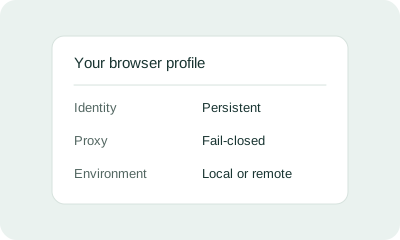
Configure your profile identity and proxy controls using the options available in your beta setup.
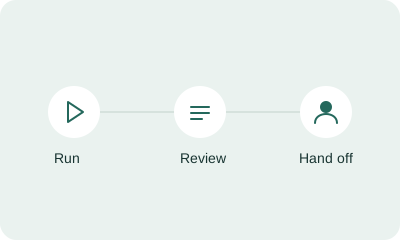
Inspect changes. Step in for verification.
Connect through native MCP. The agent inspects scoped page snapshots, takes actions, and reviews what changed through action diffs.
A profile retains coherent browser characteristics across restarts. Sites can still recognize accounts or correlate other signals.
No. Sites can still challenge, restrict, or block activity. Persistent identities and proxy controls do not guarantee invisibility.
Local profiles run on your machine. Remote profiles run in a separate environment for stronger isolation. Both need an appropriate proxy configuration. Remote profile availability for your beta setup needs confirmation.
IP reputation, account history, behavior, and server-side signals can still identify or correlate activity. Configuration and evolving detection tools also matter.
CAPTCHA and 2FA can require you to complete verification yourself. Pause, handoff, and resume support depend on the agent and beta setup. Acme does not promise to bypass CAPTCHA or 2FA.
Other compatible MCP clients may connect. Acme is built for Claude Code and Codex; tool support and handoff vary by client.
Submit your email using either beta form. Your request is saved and invitations are sent manually. Signing up does not provide immediate access or trigger an automated invitation.
Confirm supported operating systems and pricing when arranging your beta invitation. This page does not publish a supported-platform list or a pricing offer.
Your email is saved with your signup request so beta invitations can be managed. Invitations are sent manually. Submitting the form does not create a browser account.